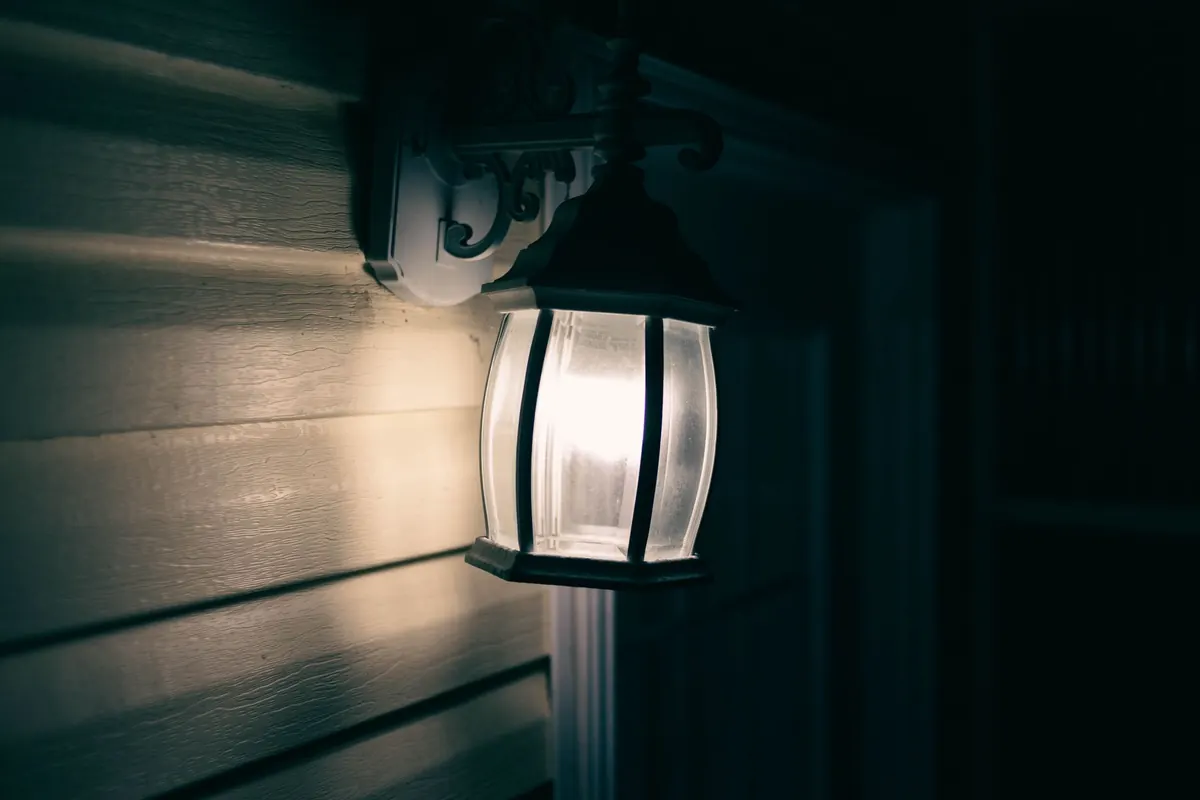
Motion-Activated Outdoor Lights: Common Mistakes That Cause False Alarms
A motion light that switches on every time a car passes is not protecting your home; it is training you to ignore it. The same goes for the fixture that floods the porch because a shrub moved in the wind or a dryer vent released a warm puff. False alarms waste electricity, annoy neighbors, and make real alerts easier to dismiss. In most cases the sensor is not broken. It is simply mounted, aimed, or tuned in a way that asks it to watch too much.
What a Motion Sensor Actually Sees
Passive infrared sensors, the type used on most outdoor motion lights, detect changes in heat across a segmented field of view. They do not recognize faces or measure distance. A person walking across the sensor’s zones usually creates a stronger signal than someone walking straight toward it. A warm car engine, a sun-heated wall, or a pet moving through the lower edge can create a similar signal. Once you picture those heat zones, many false alarms stop looking mysterious.
Think of the sensor as a grid of narrow heat-sensitive slices rather than a single broad beam. When a warm body crosses from one slice to the next, the sensor notices the change and switches the light on. That is why crossing motion is more reliable than motion straight toward the lens. It also explains why a distant car can trigger the light while a person standing still near the door may not. The sensor is reacting to contrast and movement, not to importance.
Manufacturers publish a detection range and a field of view, but those numbers assume a clean installation. In a real yard, the effective zone is shaped by walls, plants, heat sources, and the angle of the sensor. Your job is not to maximize range. It is to make the sensor watch the approach to your door, driveway, or side gate, and little else.
Placement Mistakes That Cause Repeat Alerts
Placement causes more false alarms than any setting. A sensor mounted for convenience—above the porch step, under the eaves, or on the corner closest to the Wi-Fi router—may be aimed straight at activity you do not care about.
- The street and sidewalk. A sensor that catches passing cars, dog walkers, or delivery vans will fire constantly. At night, headlights and moving shadows can make the problem worse.
- Heat exhaust. Dryer vents, HVAC units, grills, chimneys, pool pumps, and hot tubs release warm air. In cool weather, that moving warmth can look like a person to a heat-sensing sensor.
- Plants and loose objects. Tree branches, shrubs, tall grasses, flags, banners, hanging plants, and loose fence boards all move across the detection zone. Wind turns them into repeat triggers.
- Direct sun and reflected heat. A sensor facing the sun can be triggered by sudden shifts from cloud to bright sun. Heat bouncing off a metal door or window can also create false signals.
- Mounting height. Too low, and pets and small animals dominate the view. Too high, and the sensor may miss someone close to the wall or create a blind spot near the door. Follow the manufacturer’s height guidance rather than guessing.
- Near a porch light that attracts insects. Bugs crawling on the lens can trigger the sensor. Keep the lens clean and avoid mounting the sensor where insects gather.
If the sensor can see the street, it will eventually report the street.
Walk around the fixture at dusk and look at what it sees. If the street, a vent, or a swaying bush is in the cone, fix that before touching sensitivity. A five-minute re-aim often solves what seems like a complicated electronic problem.
Sensitivity: Start Low and Prove It
High sensitivity feels safe because the light catches almost everything. That is the problem. It catches leaves, insects, distant cars, and the neighbor’s cat. The useful approach is to begin low or medium, test with a person, and raise it one step only if detection is late or inconsistent.
- Set the sensor to its lowest usable sensitivity. Turn off any “always on” or manual override for the test.
- Have someone walk the outer edge of the protected area. Do not wave a hand at the lens; that proves almost nothing.
- Test two approaches: straight toward the sensor and across its field. Crossing motion should trigger more reliably.
- Raise sensitivity one step if a person reaches the door before the light comes on. Lower it or re-aim if the light triggers from the sidewalk.
- Repeat on a warm evening and a cool morning. Heat contrast changes how passive infrared sensors perform.
If you have pets, use pet immunity mode when available and respect the manufacturer’s height and weight guidance. No outdoor sensor is perfectly pet-proof. Masking the lower edge of the view or raising the aim slightly can help more than turning sensitivity down to the point where people are missed.
Aiming and Masking Errors
Small angle changes move the detection zone several feet at distance. A sensor aimed down a driveway may catch cars at the road; aimed at the road, it may catch every passerby. Aim across the path you want to protect, not down the street.
Aim across the approach
For a front walk, angle the sensor so a visitor crosses its zones on the way to the door. For a driveway, aim across the driveway apron rather than up the street. For a side gate, aim at the gate opening, not at the alley beyond it. This gives you earlier warning without turning the neighborhood into a trigger.
Mask the part you do not need
Many sensors include plastic masking stickers or snap-in shields. Use them to block the street, a neighbor’s window, or a heat vent that cannot be moved. Avoid wrapping the lens in opaque tape unless the manufacturer approves it; tape can trap moisture, leave residue, or distort the sensor’s view. Keep the lens clean, because dirt and cobwebs can scatter the signal and make the fixture jumpy. Do not mount the sensor behind glass; glass blocks infrared heat and can cause erratic triggering or missed detection. If the fixture must be indoors or behind a window, use a sensor rated for that setup.
Settings and Modes That Cause Repeat Alerts
Once the fixture is placed and aimed well, settings can still create nuisance alerts. Sensitivity and range are not the same thing, and a long time delay can make one visitor look like an ongoing event. Check these settings before assuming the sensor is faulty.
- Time delay set too short. The light turns off while someone is still on the steps, then immediately turns back on. Set the delay long enough for a person to reach the door and for the area to settle.
- Time delay set too long. The light stays on after the trigger has gone, masking new activity and wasting electricity. A few minutes is usually enough for a porch or driveway.
- Test mode left on. Some fixtures stay in a short test mode until manually changed. The light cycles quickly, which can look like false triggering.
- Dusk-to-dawn or override mode. These modes may keep the light on continuously or change how motion is handled. Confirm the fixture is in motion mode, not a manual “on” setting.
- Dusk threshold set too sensitively. A sensor may switch on early at dusk because of changing light, shadows, or a passing cloud. Adjust the dusk setting so the light activates when darkness is stable.
- App notifications and dual sensors. If the fixture uses both motion and another trigger, such as a camera or radar, each input can create alerts. Review both detection settings rather than adjusting only the PIR sensitivity.
A Practical False-Alarm Checklist
Use a simple sequence when a light keeps firing. It saves time and prevents random adjustments that make the problem harder to diagnose.
- Watch one full cycle. Note the time, weather, and what was moving. A car, a vent, or a pet is usually visible once you look for it.
- Clear the view. Trim branches, secure loose flags, and move portable heat sources away from the detection zone.
- Clean the lens and check the seal. Cobwebs, dust, and moisture can scatter the sensor’s view. Replace cracked gaskets before they let water in.
- Re-aim across the approach. Block the street, sidewalk, or neighbor’s property with masking shields if the angle cannot be changed.
- Reset sensitivity to low or medium. Test with a person walking the edge of the protected area, then raise sensitivity only if needed.
- Recheck after storms and seasonal changes. Plants grow, snow piles up, and loose fencing shifts. A sensor that was perfect in spring may need a new aim by winter.
A well-tuned motion light should feel boring. It comes on when someone approaches the door, the driveway, or the gate, and stays quiet the rest of the night. When it does that, a real alert means something again.
Photo: Erik Mclean / Pexels